
ADVANCED
Create a superset.
Open the menu on an exercise card and pick "Create superset", then tap a second exercise to pair them. Stats filter supersets separately.
Tap the menu (⋯) on an exercise card and pick Create superset. The card highlights and a banner appears asking you to pick a partner.
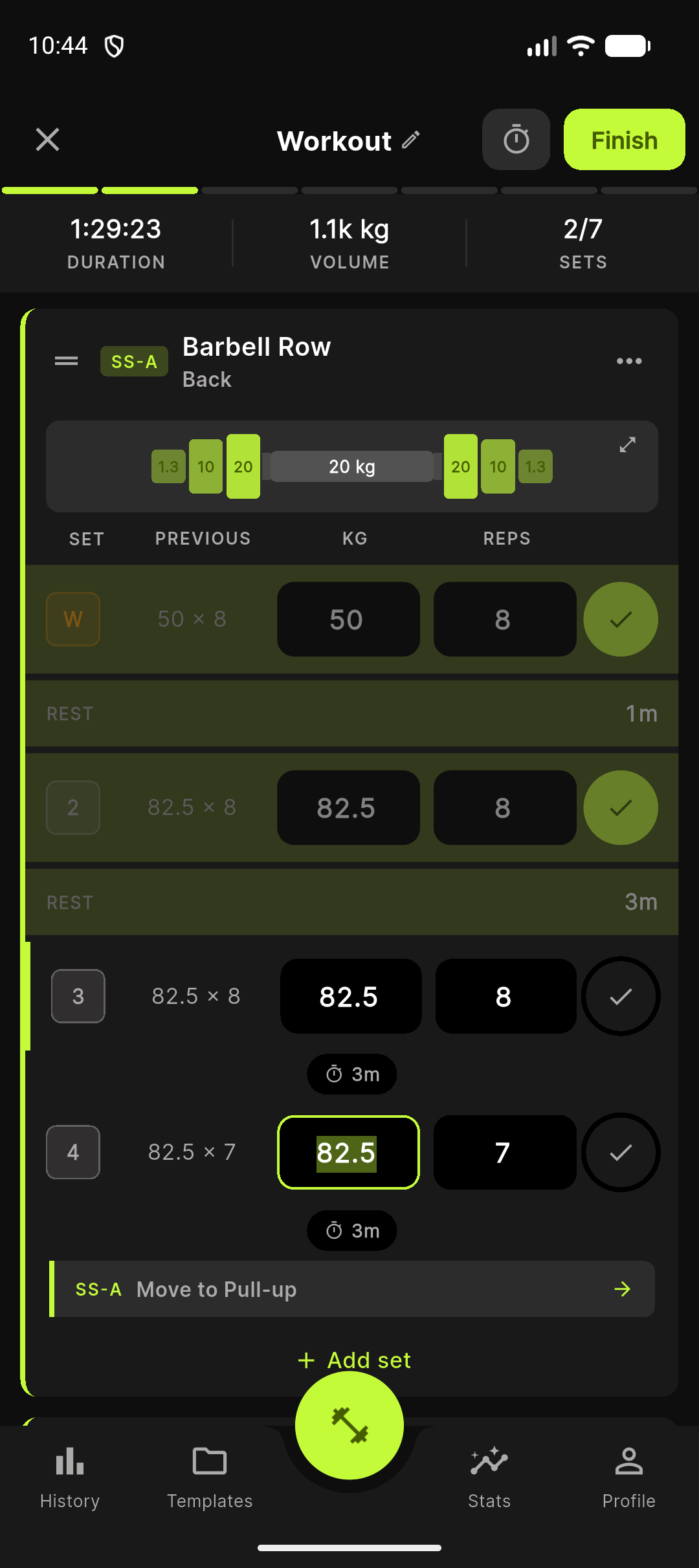
Tap the second exercise to pair them. Both cards now share a colored border (group A, B, or C). The colors cycle if you create more than one superset in a workout.
When you complete a set on the first exercise of the pair, a hint nudges you toward the partner. Stats filter supersets separately so the volume per exercise stays clean.
To break a pair, open the menu on either exercise and pick Remove from superset.
Updated 2026-04-26